Interactive moments for live events
Turn your audience into part of the event.
Livento brings the audience into the event — with live voting, moderated Q&A, real-time screen moments and one connected experience for everything happening before and during the event.
The problem
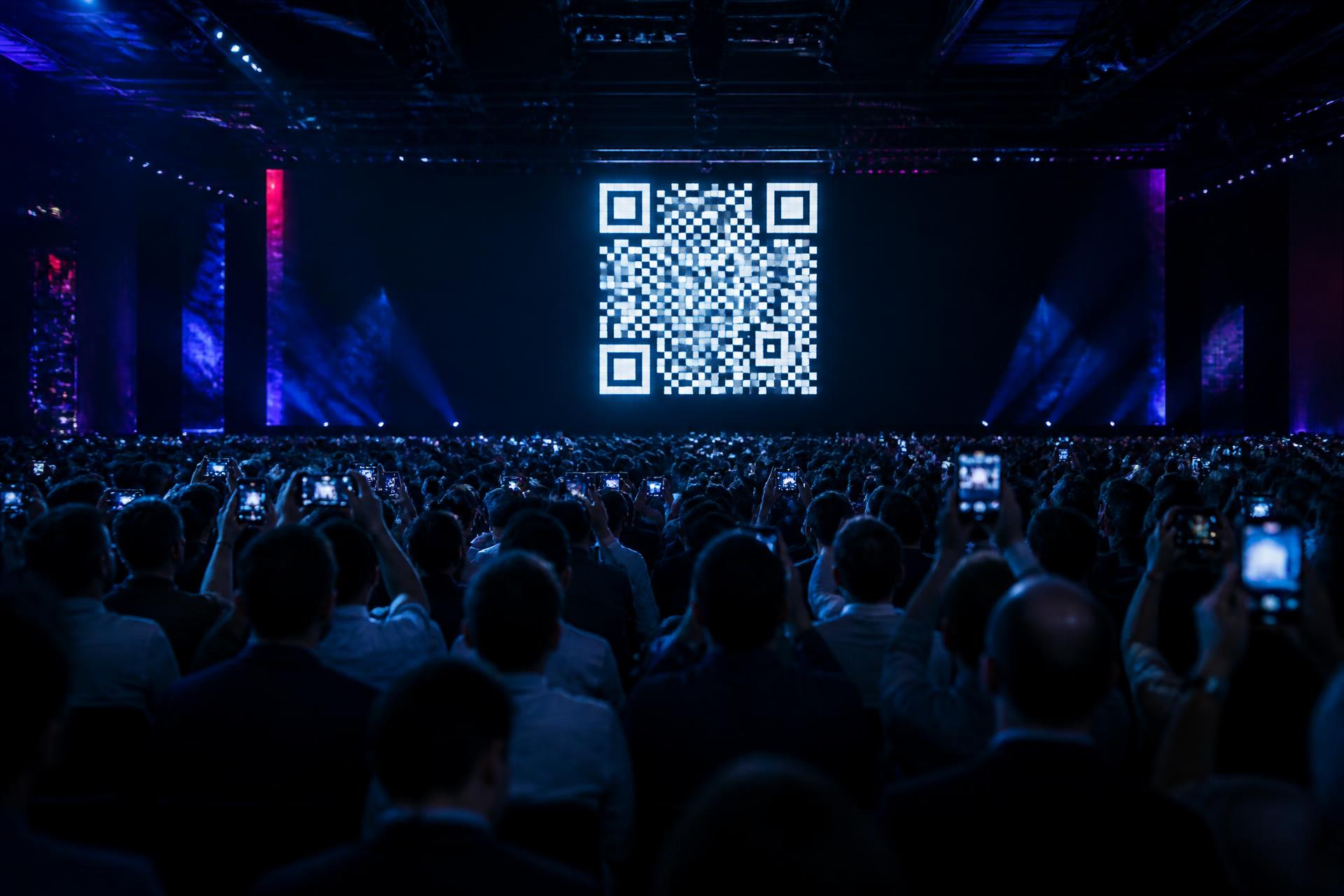
Most audiences don't participate. They just watch.
Livento changes that. With simple mobile interactions, managed audience input and bold live visuals, every vote, question and response becomes a moment the whole room can feel.
And when the whole event experience is connected, taking part becomes effortless.
The attendee experience
One event. One connected experience.
Everything attendees need — agenda, sessions, speakers, event information and what's happening live — in one branded experience on their phone.
01 — Event home
Your event has a home.
Everything important is right there from the moment attendees arrive.
14–15 May 2026 · Lisbon
NEXUS Summit 2026
The future of connected work
Welcome! Your agenda, speakers and live sessions are all here.
Opening Keynote
Main Hall · 10:30–11:15
02 — Live now
Live now.
See what's happening right now and jump directly into the live session, Q&A or interaction.
Opening Keynote
10:30–11:15 · Main Hall
Workshop: Designing hybrid teams
Up next
03 — Agenda & sessions
Agenda & sessions.
Browse the day, follow sessions across rooms and tracks, and always know what's next.
Registration & coffee
Foyer
Opening Keynote
Main HallMain
Panel Discussion: Work in 2030
Main HallMain
Workshop: Hybrid teams
Room BLabs
Lunch
Terrace
Fireside chat
StudioStories
04 — Speakers
Speakers.
Meet the people on stage — with profiles, roles and the sessions they're part of.
Dr. Elena Costa
Director, Future Cities Lab
Urban researcher working on how people gather, meet and share space in the cities of tomorrow.
Speaking at
Marcus Lind
VP Product, Northwind
Aiko Tanaka
Founder, Studio Kumo
05 — Session experience
Session experience.
Everything around a session lives together — speakers, information, Q&A and live interactions.
Opening Keynote
10:30–11:15 · Main Hall · Main track
Dr. Elena Costa
Director, Future Cities Lab
Where will you work from in 2030?
06 — Event information
Event information.
Location, useful information, links and essential event details — always within reach.
No app download. Open access or guest-only events.
Riverside Convention Centre
Av. Example 100, Lisbon
Useful links
14–15 May 2026 · Lisbon
NEXUS Summit 2026
The future of connected work
Welcome! Your agenda, speakers and live sessions are all here.
Opening Keynote
Main Hall · 10:30–11:15
Event home
Live moments
Create live moments in seconds.
The frontstage layer — what the audience and the room can see, feel and respond to.
Question
Which topic should we cover next?
Live Voting
Live Voting
Let the audience vote from their phones and reveal the results on screen.
Winner
Option A takes the room
Cinematic Results
Cinematic Results
Turn numbers into dramatic live reveals, countdowns and visual moments.
For
64%
Against
36%
Debate Mode
Debate Mode
Show opposing opinions, live percentages and room dynamics across the screen.
Audience Interaction
Audience Interaction
Bring the room's reactions, words and opinions onto the screen as they happen.
Branded Event Screens
Branded Event Screens
Customize the visual experience for each event with logos, colors and branded designs.
Managed Q&A
Give the audience a voice, without losing control.
Every session can have its own moderated Q&A. Attendees send questions from their phones, moderators decide what moves forward, and the host sees exactly what's ready for the stage.
01 · Collect
Attendees send questions from their phones.
02 · Moderate
Moderators review every question per session.
03 · Approve
Decide what moves forward.
04 · Stage
The host sees exactly what's ready.

Moderator queue
18 questions- Ready
Marta L.
How do you measure engagement post-event?
- New
Jonas K.
Can we run bilingual sessions on one screen?
- On stage
Priya R.
What's the largest audience you've hosted?
- New
Anon.
Do you support anonymous questions?

Live control
Run the live experience from one place.
See what's happening now, manage sessions, moderate audience questions, launch interactions and control what reaches the room — all from one live workspace.
- See what's live right now
- Manage sessions across rooms
- Moderate audience questions
- Launch votes and debates
- Control what reaches the screen
- Line up what's next
Live control
Opening Keynote
10:30–11:15 · Main Hall
In the session
Questions
Q&A
Open
Poll
Ready
Results
On screen
Before & during
Before it starts. While it's live.
Before the event
Give guests a branded event page with the details they need, the location, useful information and a countdown to the event.
While it's live
The same experience becomes the home for the agenda, live sessions, updates and audience participation.
How it works
From QR to reaction in under a minute.
Build your event
Add the event, agenda, sessions, speakers and branding.
Add the live experience
Prepare voting, debates, Q&A and the moments you want to bring into the room.
Bring in the audience
One link or QR. No app download.
Run it live
Manage sessions, interactions, questions and screens from backstage.
Let the room take part
Audience activity becomes part of the event as it happens.
Built for live events
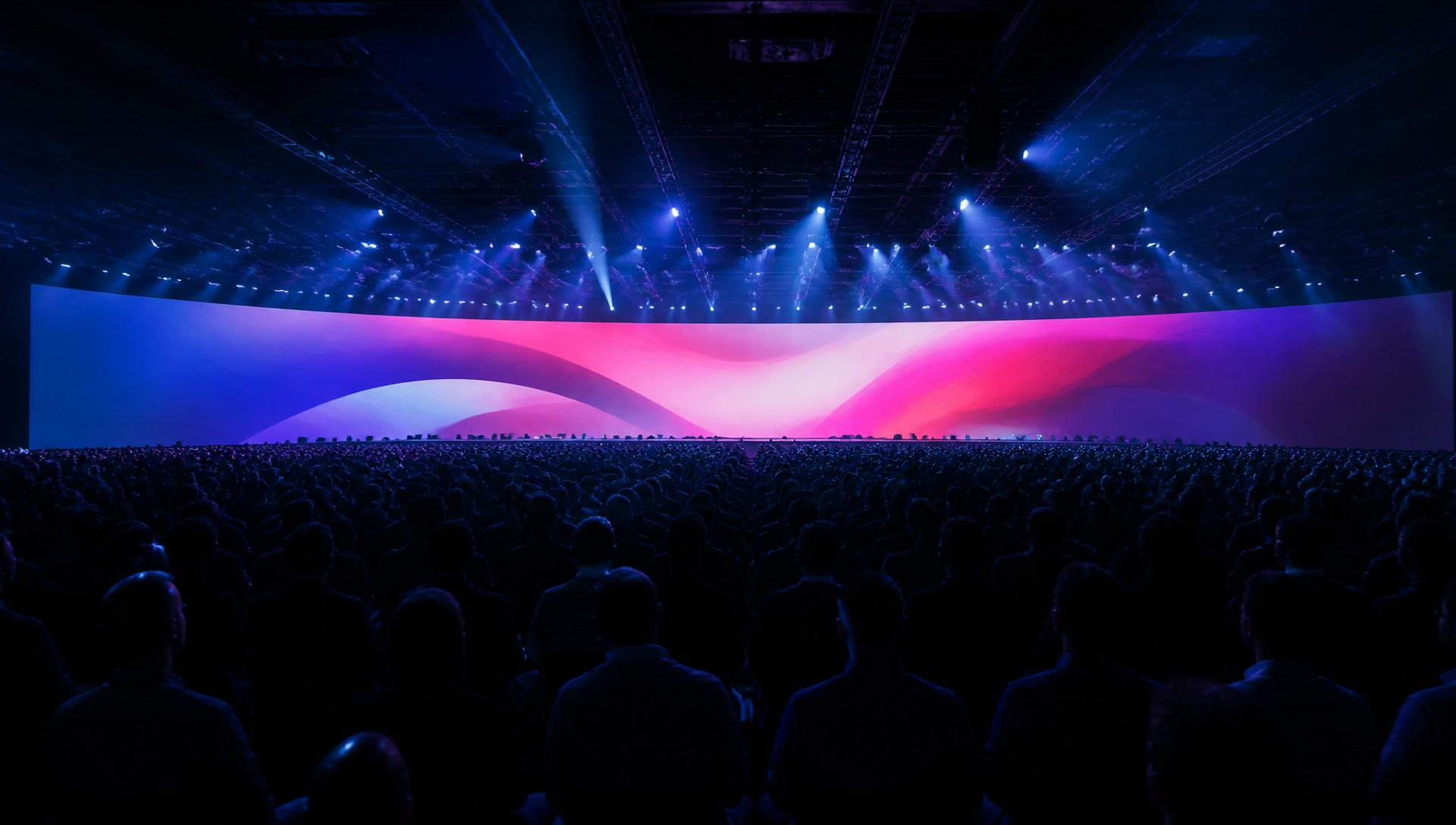
Made for the moments that happen in the room.
Whether you're opening a session, running a panel, creating a debate, collecting questions or presenting the next speaker, Livento gives the room a voice and gives the stage something to respond to.
Pricing
One complete event experience. Priced for your audience.
Every event gets the complete Livento experience. Simply choose the audience size that fits your event.
| Attendees | Up to250 | Up to500 | Up to1,000 | Up to2,500 |
|---|---|---|---|---|
| Price per event | €2,250 | Proportional price €4,500€2,950 | Proportional price €9,000€3,900 | Proportional price €22,500€6,900 |
| Branded Event Home | ||||
| Agenda, Sessions & Speakers | ||||
| Live Now | ||||
| Live Voting & Debate | ||||
| Moderated Q&A | ||||
| Live Results & Event Screens | ||||
| Live Event Control | ||||
| Event Information | ||||
| Public or Guest-list Access | ||||
Crossed-out prices show the cost if larger events were priced at the same rate as the 250-attendee tier.
Your audience is already in the room. Let them take part.
Create a connected live experience that keeps people informed, involved and part of the moment.